Wallpapers · Oct 6, 2026
The five-minute desktop reset
A cluttered desktop costs you a little focus every time you see it. Five minutes, four steps, and a calmer screen.

Your desktop is the one screen you see dozens of times a day without meaning to. Every stray file and loud background takes a tiny slice of attention. Here's a reset that takes five minutes.
Minute 1: sweep everything into one folder
Make a folder called "Inbox" and move every file on the desktop into it. Don't sort, don't delete. The point is a clear surface right now. You can sort the inbox later, or never.
Minute 2: turn on stacks
On a Mac, right-click the desktop and choose Use Stacks. New screenshots and downloads will group themselves by type instead of piling up across the screen.
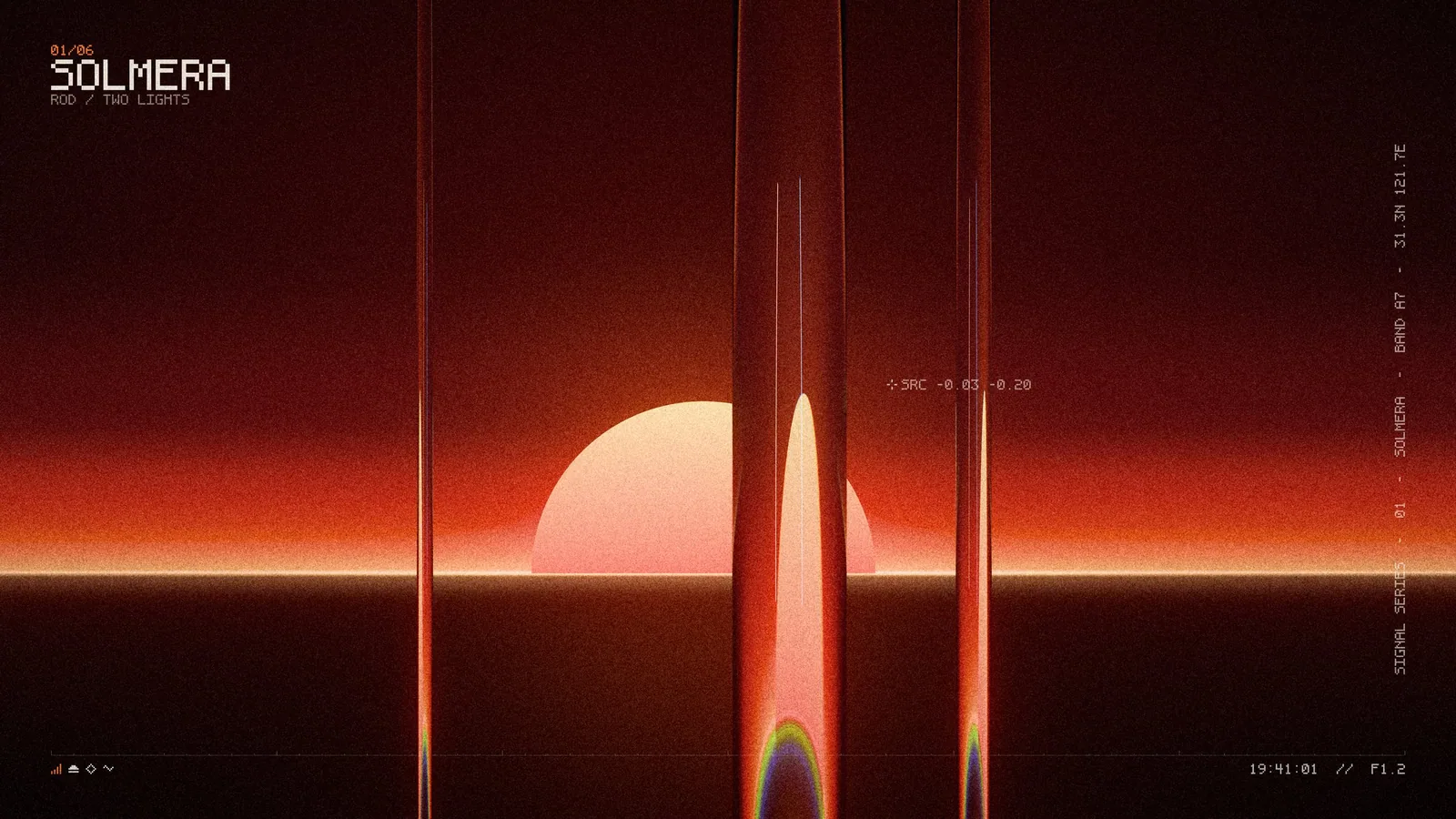
Minute 3: choose a quieter wallpaper
Look for three things:
- A calm center. Windows open in the middle of the screen; busy detail there competes with your work.
- Moderate contrast. Very bright and very dark areas side by side pull the eye.
- Two or three colors. Restraint ages well.
Minute 4: match it to your appearance
If your system switches between light and dark mode, pick a wallpaper that works in both, or use a dynamic set that changes with the time of day. Mid-tone images handle the switch best.
Minute 5: set up rotation
Choose a whole set instead of a single image. On a Mac: System Settings → Wallpaper → Add Folder, then turn on automatic rotation. A set with one consistent mood feels fresh every morning without ever feeling random.
That's it. Repeat once a month, or whenever the inbox folder starts to look like the old desktop.








Get the next one by email
One short email when a new pack or article is out.