Wallpapers · Sep 17, 2026
Choosing a lock screen wallpaper that works with the clock
A lock screen is a poster with a clock printed on top. Pick images that leave it room.
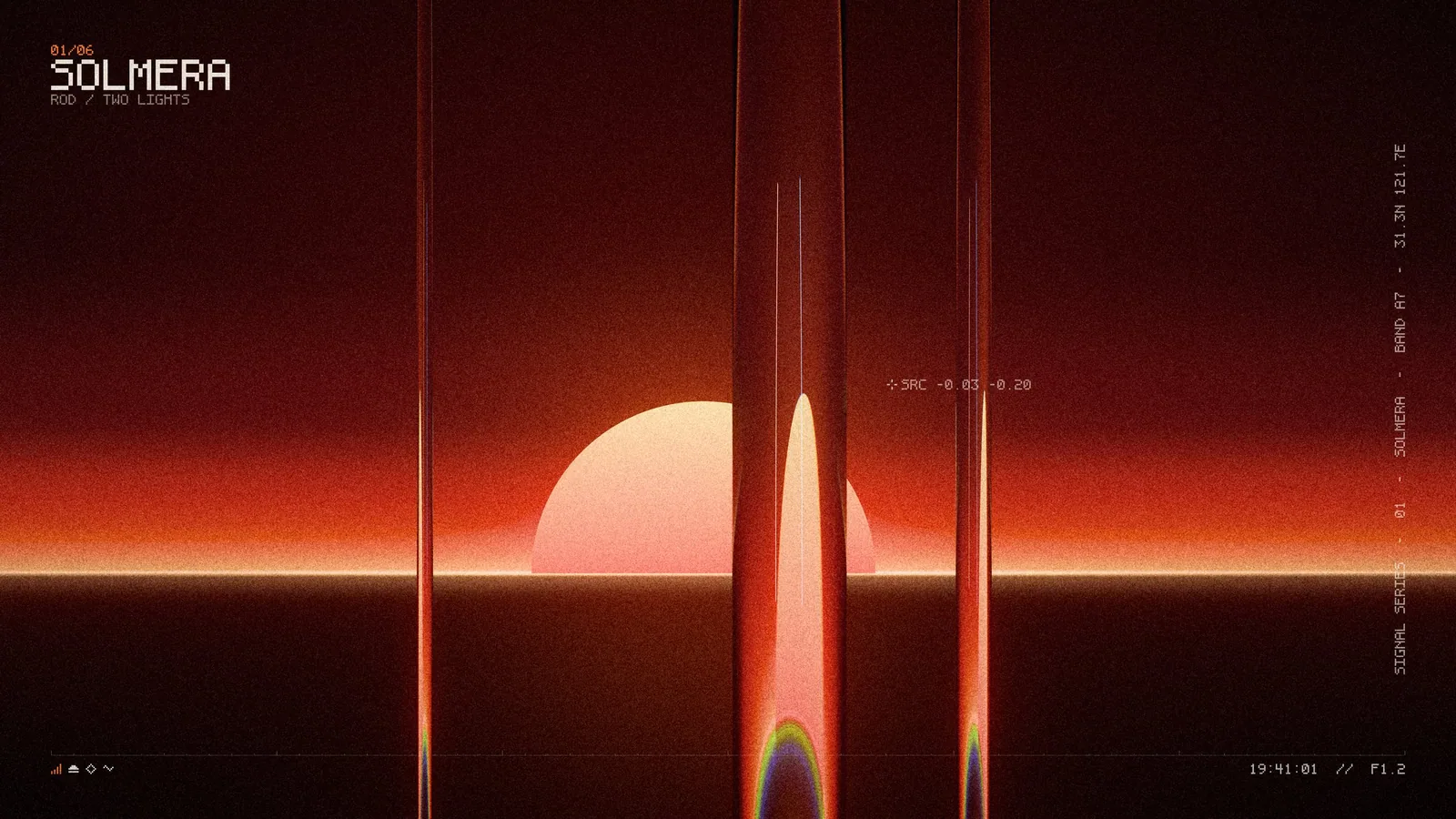
A lock screen isn't just a photo. It's a photo with a large clock, a date, notifications and two buttons sitting on top of it. The best lock screen wallpapers are composed for that.
Leave the top third clear
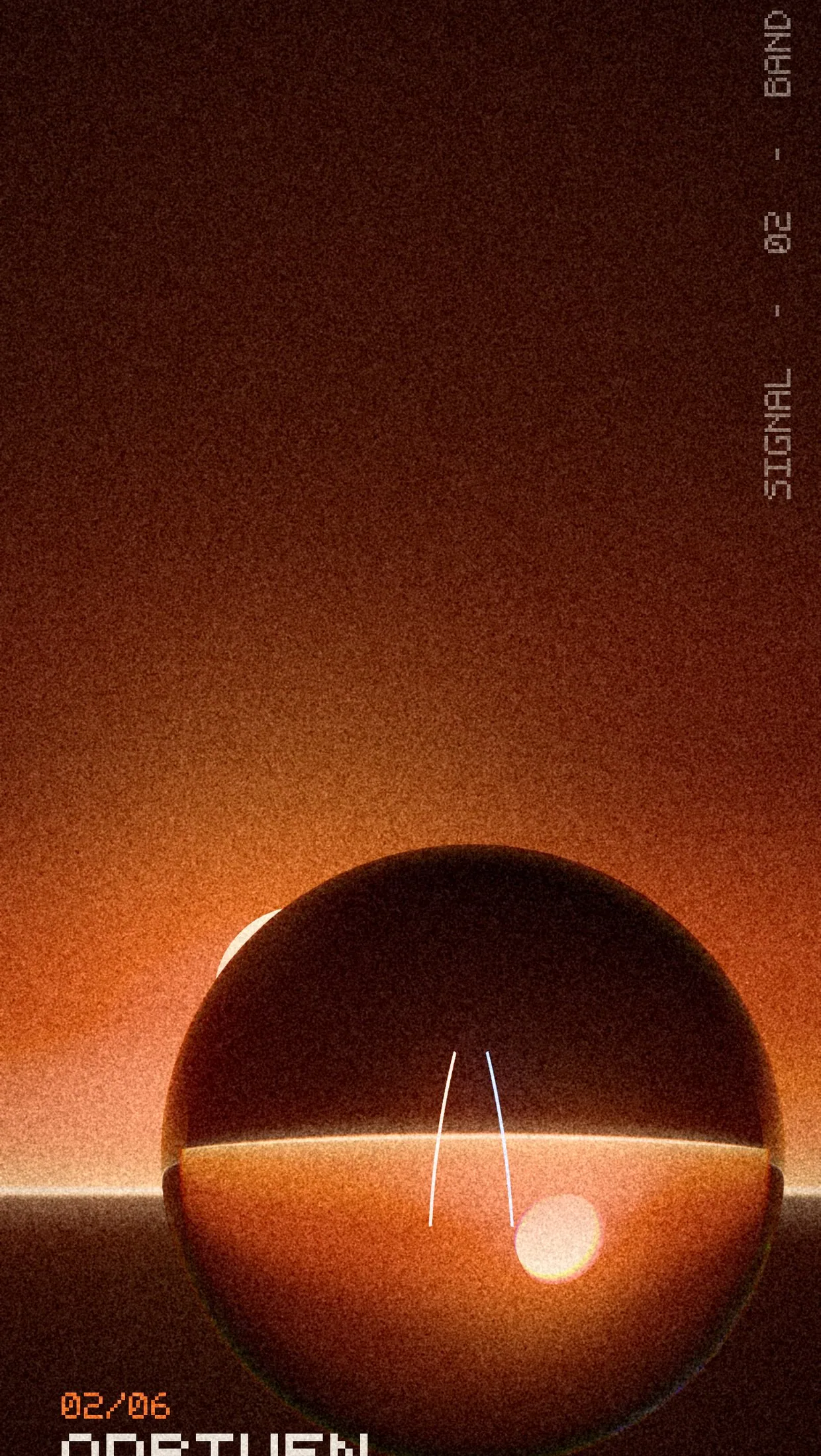
The clock lives in the upper part of the screen. Images with a quiet top third, like open sky, soft gradients or dark space, keep the time readable. Busy detail behind the numbers makes them hard to read at a glance.
Put the subject low
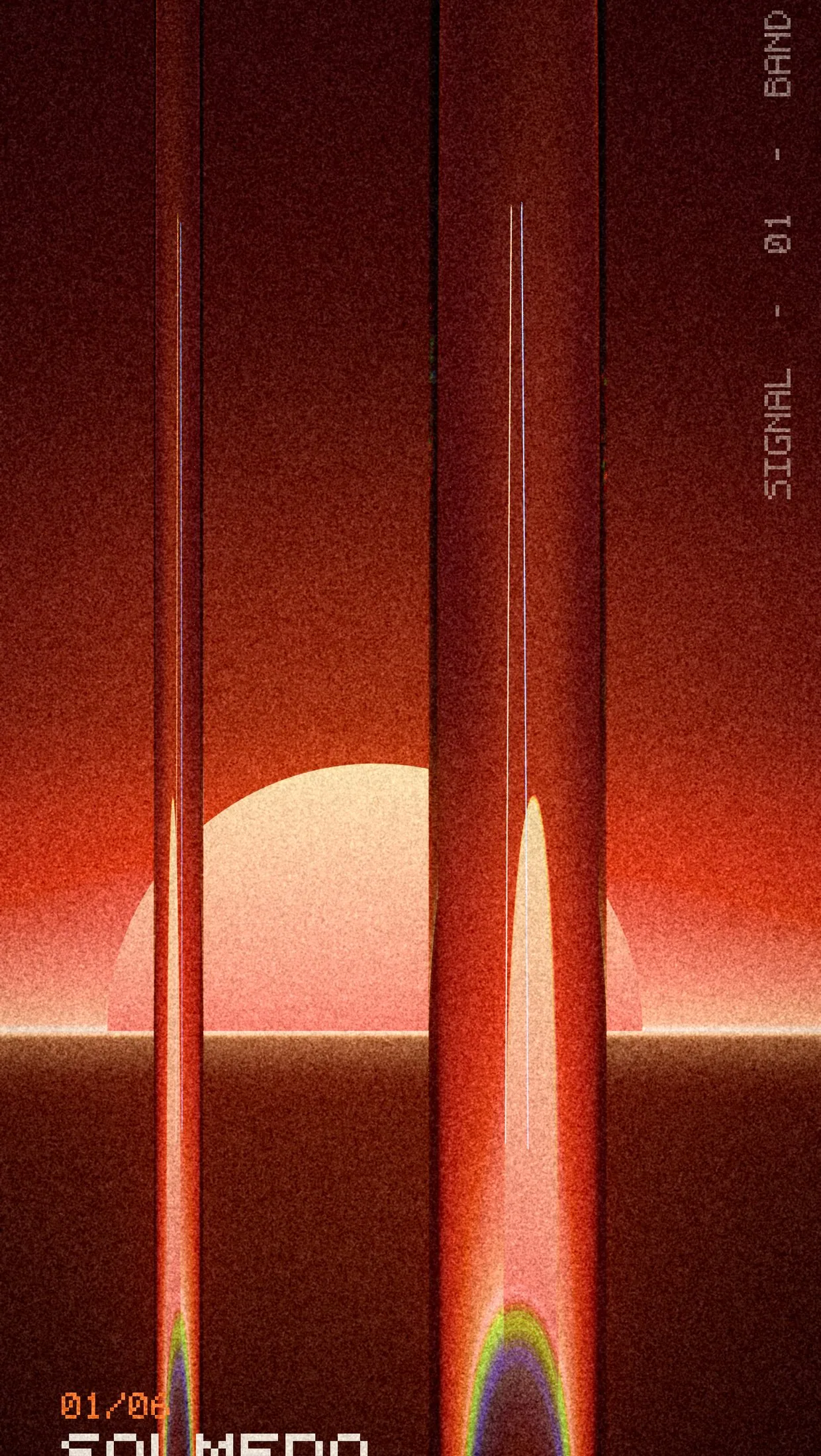
Place the interesting part of the image in the lower half. Your eye goes to the clock first, then down into the picture. It feels intentional instead of crowded.
Think about notifications
Notifications stack up from the bottom. If the subject sits right at the bottom edge, it'll be hidden most of the day. Aim for the space between the middle and the lower third.
Dark images save a little power
On OLED screens, black pixels are switched off. A mostly dark lock screen is easier on the eyes at night and uses slightly less power with always-on displays.
Don't just crop a desktop image
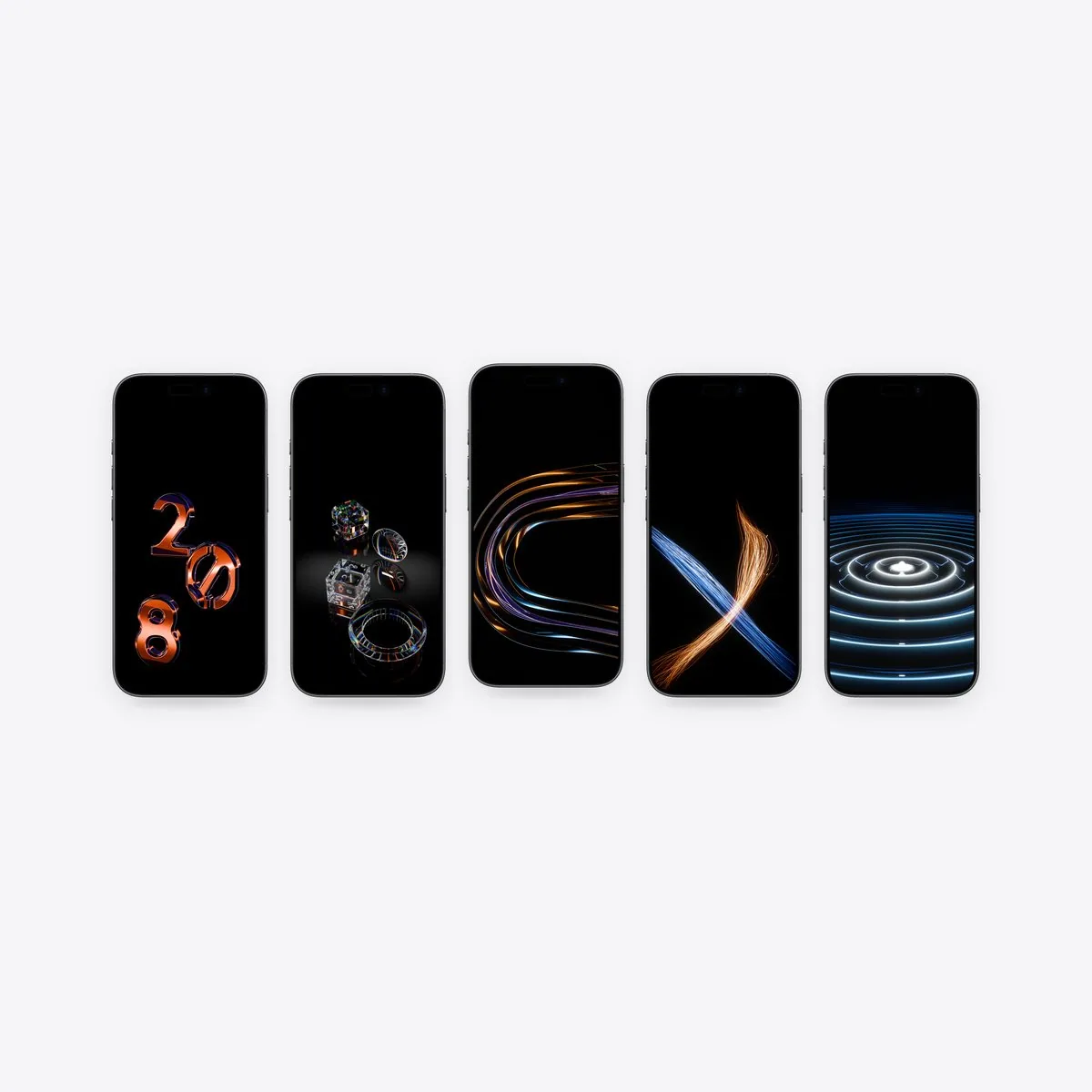
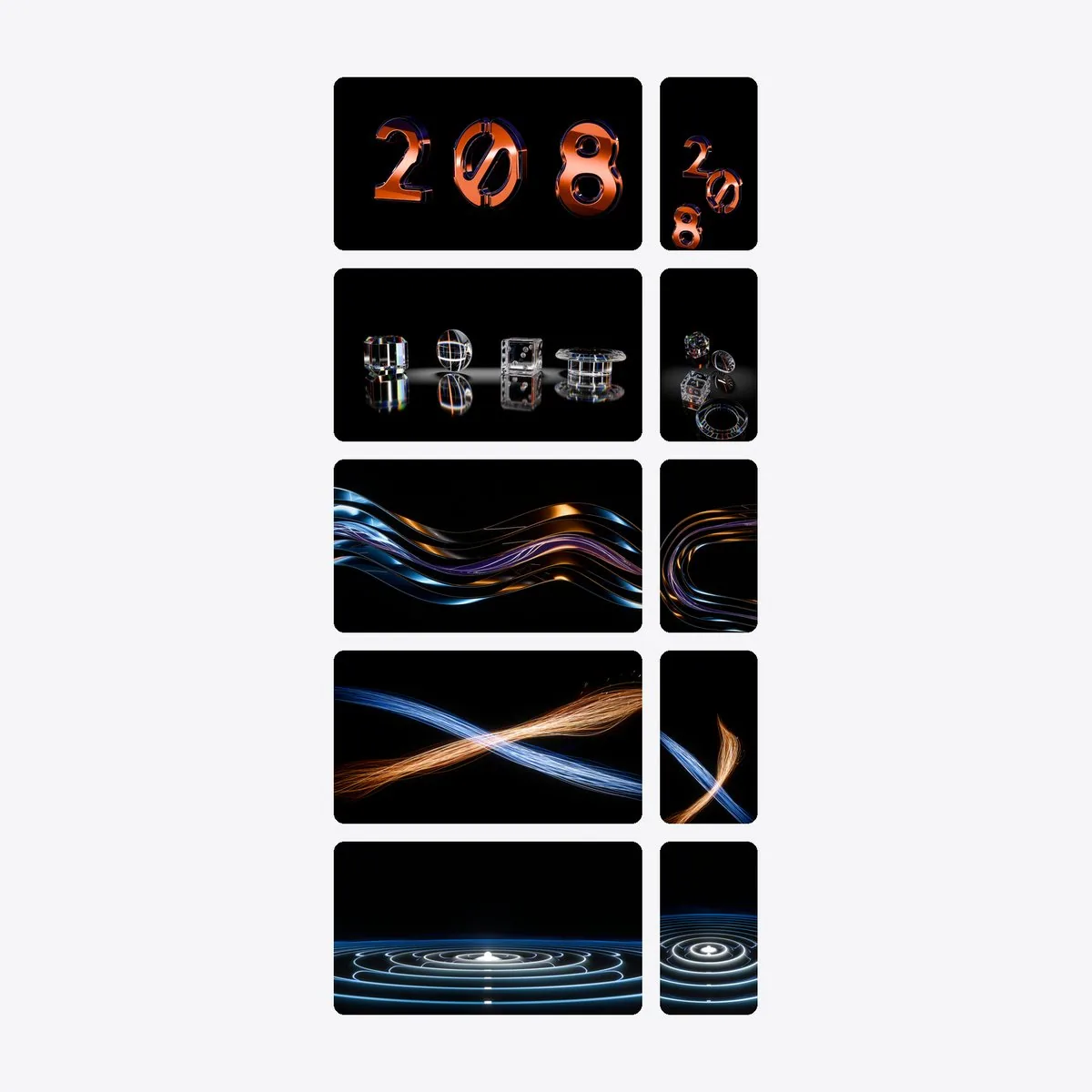
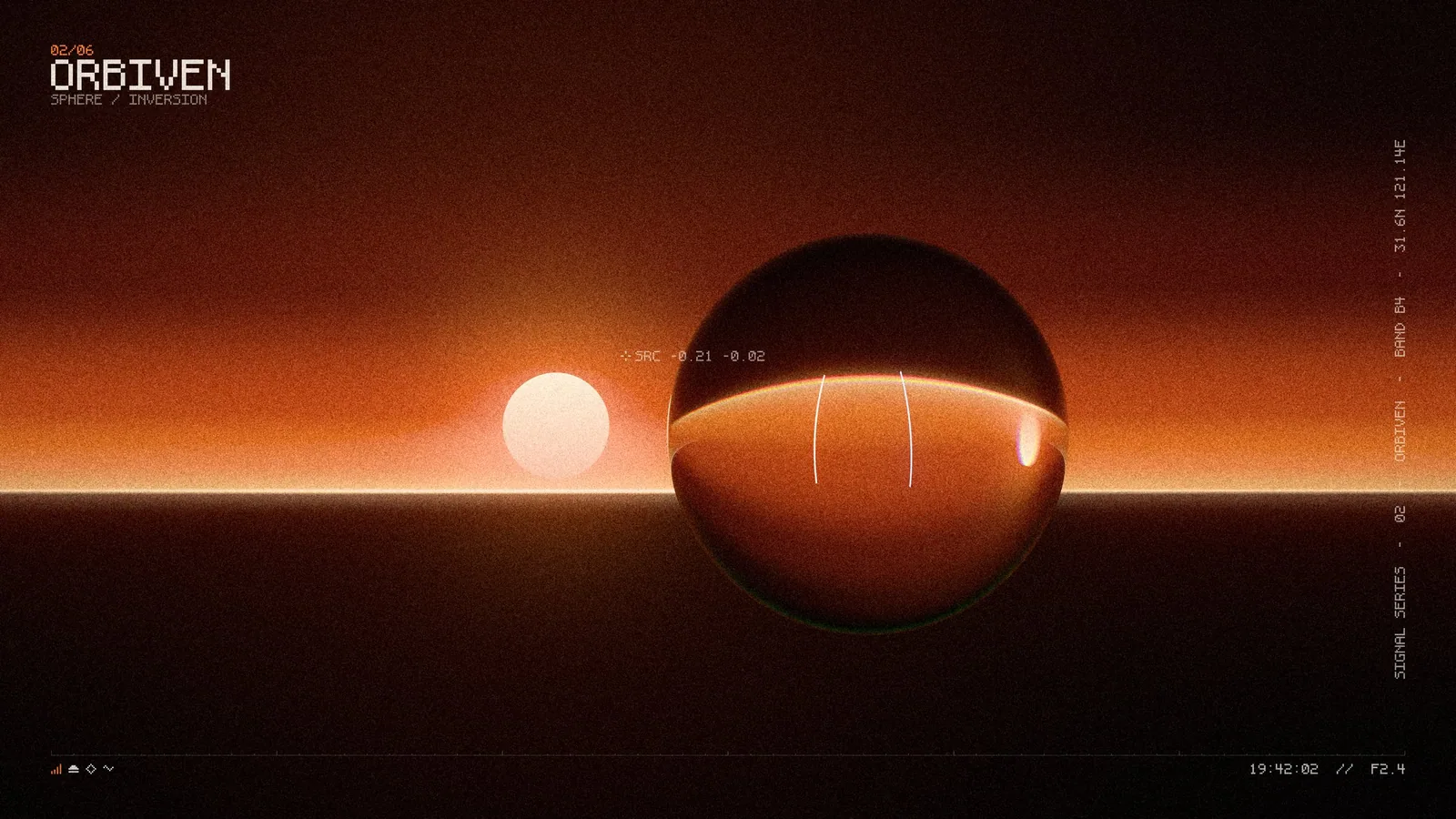
A wide image cropped to a tall screen usually cuts the subject in half. That's why every pack in our store has phone versions rendered separately for the tall frame.
Want to try a few? The free Starter Five includes phone versions of our wallpapers.
Get the next one by email
One short email when a new pack or article is out.